Gradientment, the Image Gradient Map Generator
Gradientment converts your 2D images into two overlapping 1D gradients & spits out the highly-compacted CSS used to generate these gradient maps, for perceived-faster progressive image loading or for artistic purposes. Sure, you could use a single flat average colour to represent the image until it loads… But that’s literally the bare minimum you could do, with zero spatial data represented. Gradient maps provide a little more definition, for as few extra bytes of bloat as possible. Only 100 extra bytes with the default settings! At higher values it transforms from a web tool into an art tool, creating interesting & unique plaid/tartan-like representations of images. Plaid-ify your images!
5

– bytes
How to use Gradientment
If nothing works, you might need to disable your content blocker to let this page’s built-in JavaScript run.
- Select an image on your device.
- Adjust the number of Rows and Columns down as low as looks good for maximum compact representation, or all the way to the right for maximum artistic plaid representation.
- Turn on OKLCH mode if you want extra accuracy/more muted colours in exchange for slower processing & another 18 bytes.
- Copy the CSS into your project, either directly into the style tag on the specific image in your HTML (best option) or into your CSS matching the image’s ID tag (not as good but still a great option).
- Repeat for any other images you want gradient maps for and enjoy!
Quick privacy note: all processing happens locally in your browser through plain JavaScript; images & results are never uploaded or shared anywhere. I have generic Analytics on this website to track page views etc, but there’s nothing tracking how you use Gradientment or the images you select or the gradient maps you generate. In fact you “should” be able to save this page to your device to use Gradientment entirely offline.
Examples
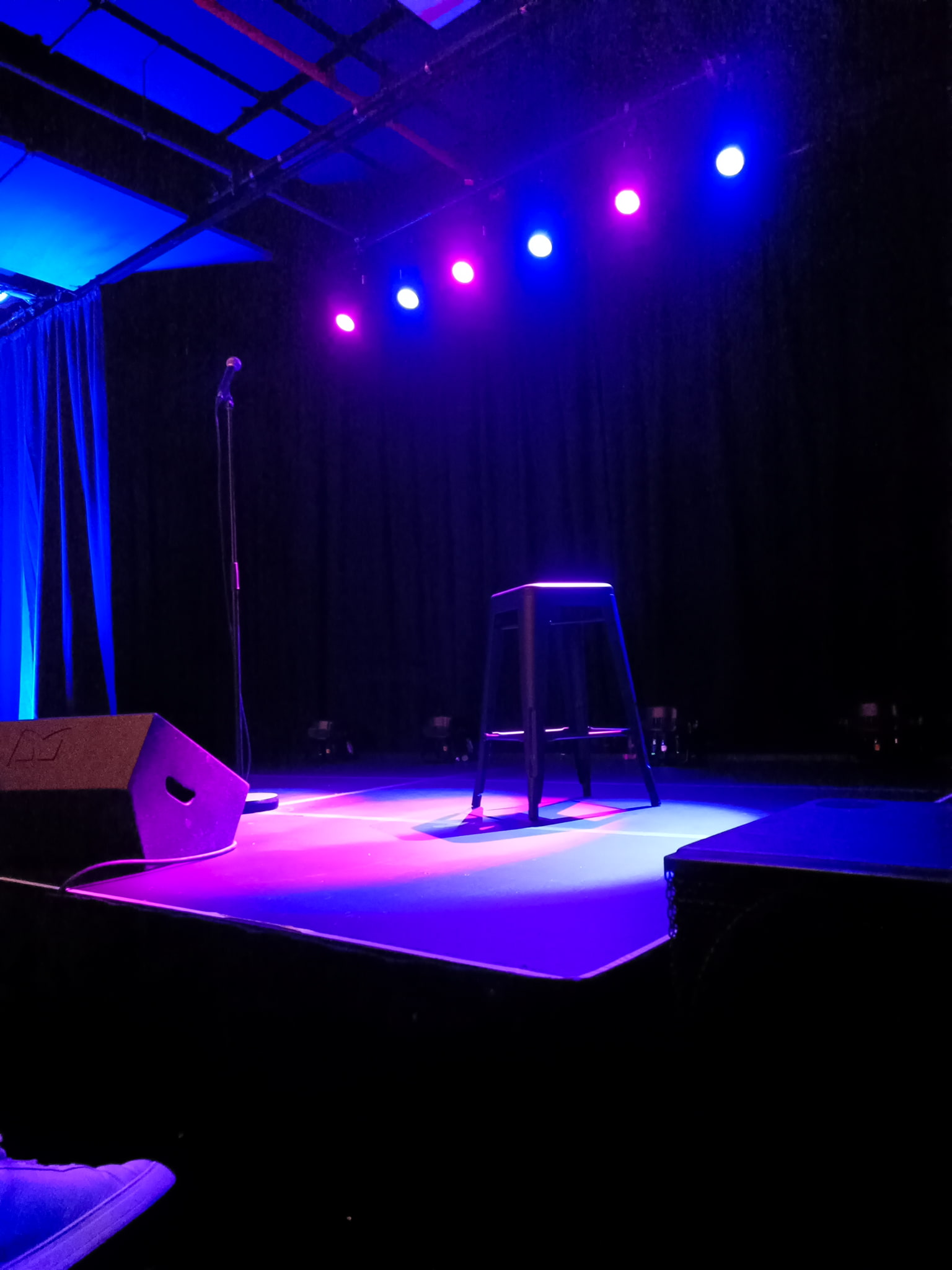
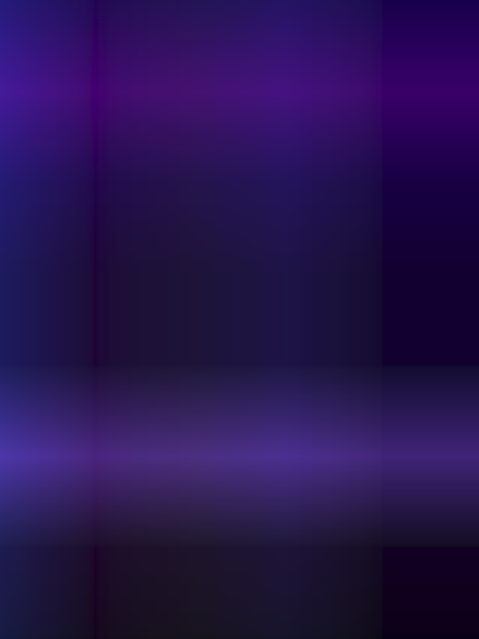
“Standup Stage” – background:linear-gradient(90deg,#1278,#1028,
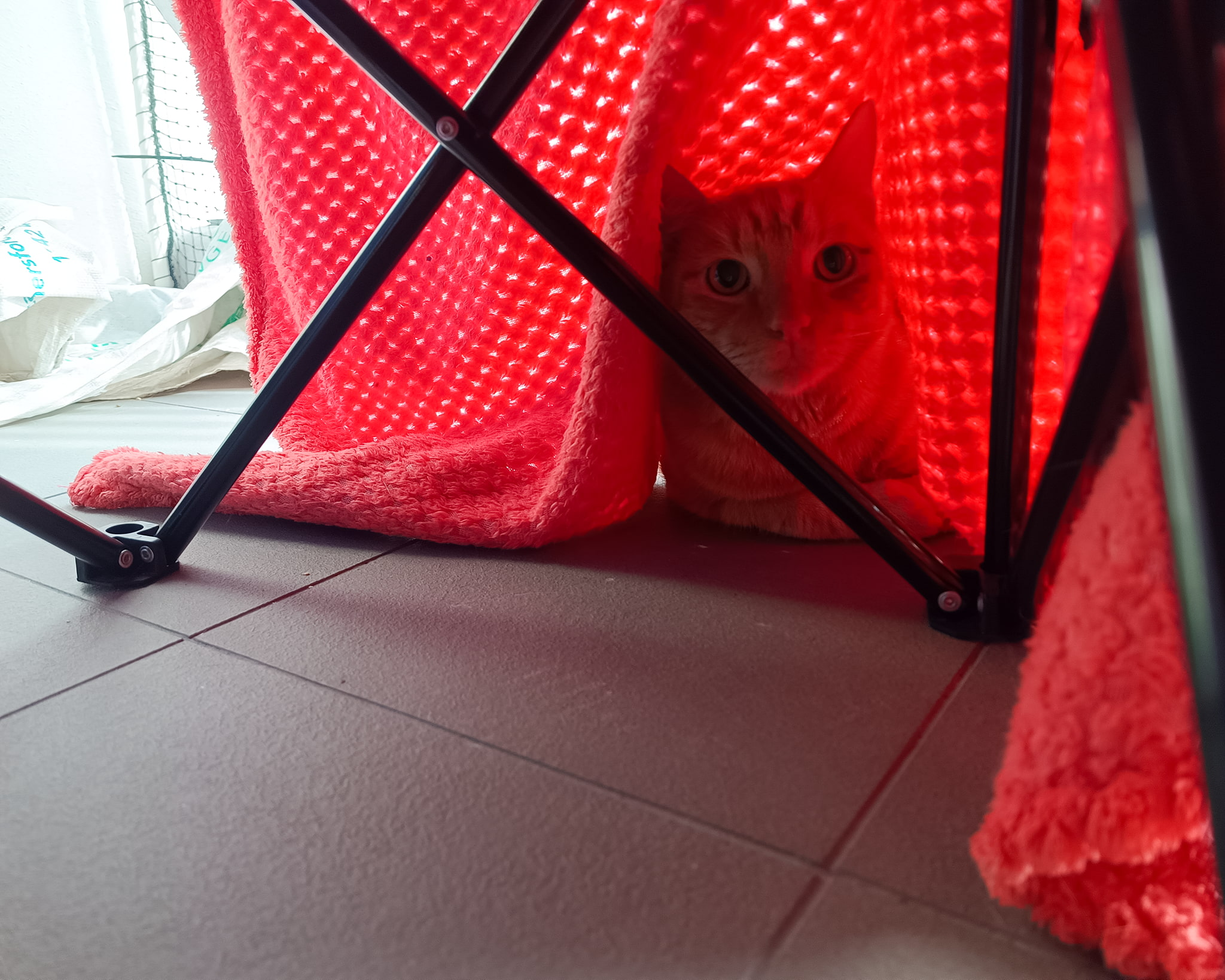

“Mars Kitty” – background:linear-gradient(90deg,#a458,#6128),linear-gradient(
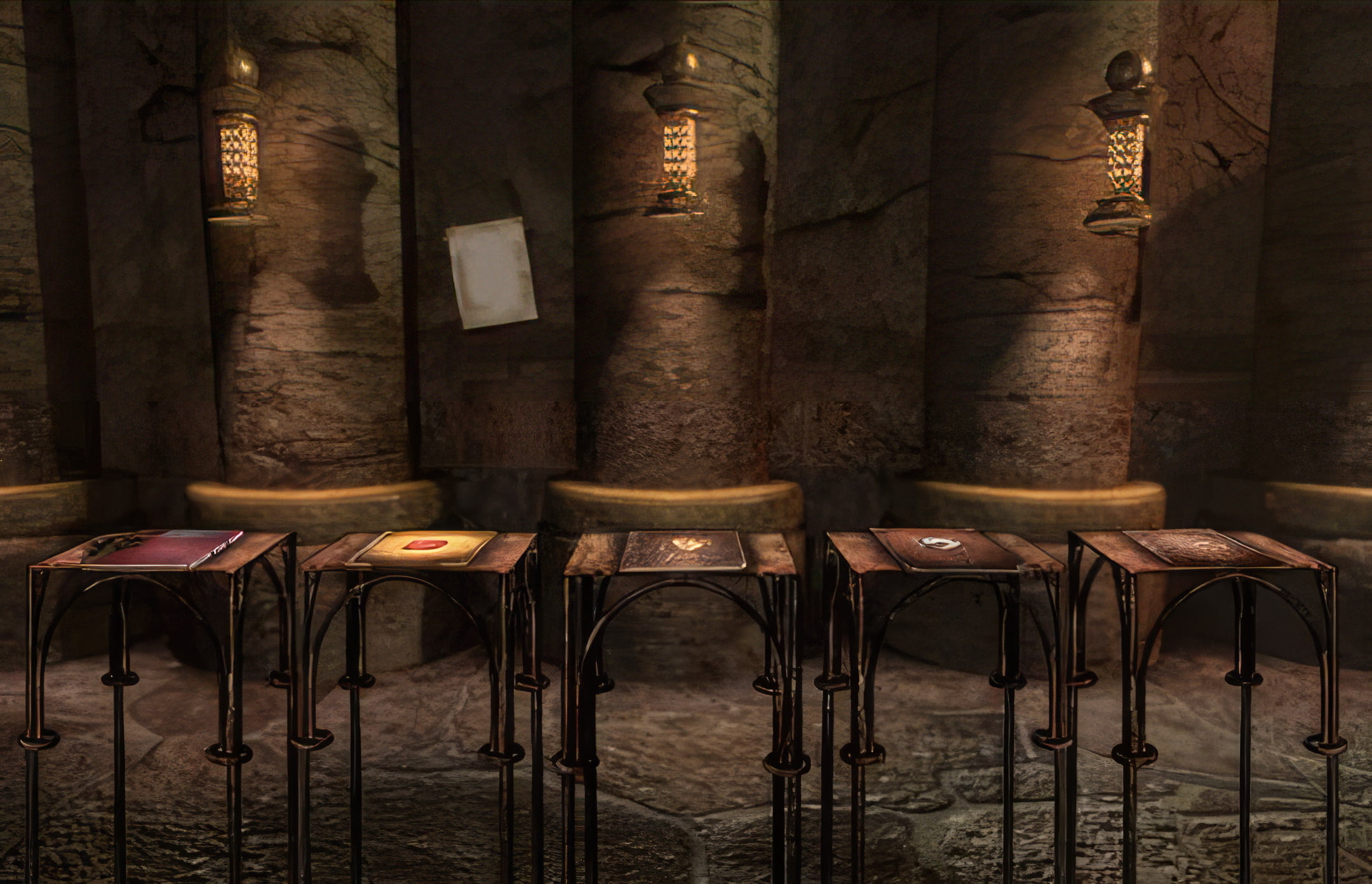

“Riven Journals” – background:linear-gradient(in oklch,
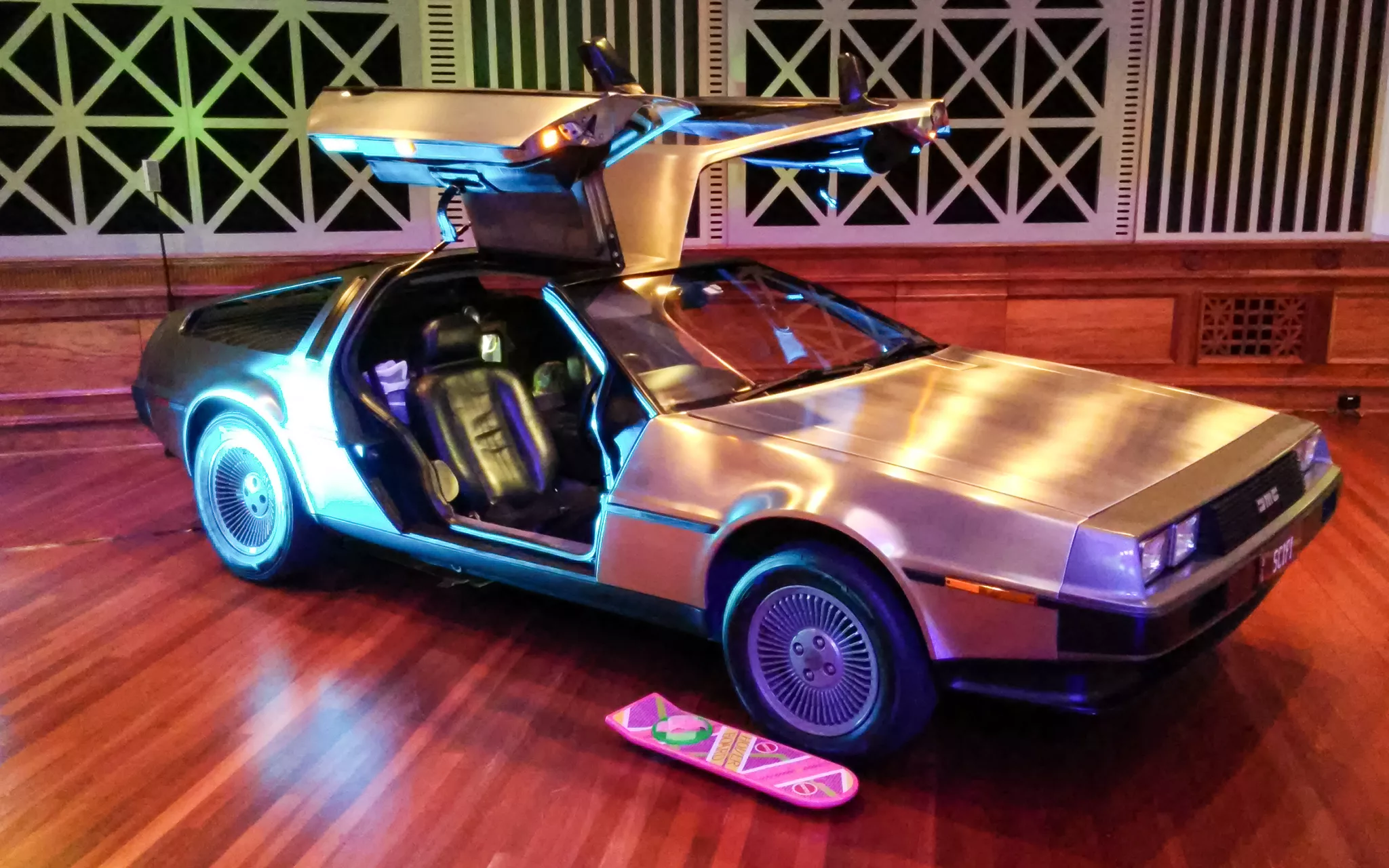

“Brisbane DeLorean” – background:linear-gradient(90deg,#8458,#7448),
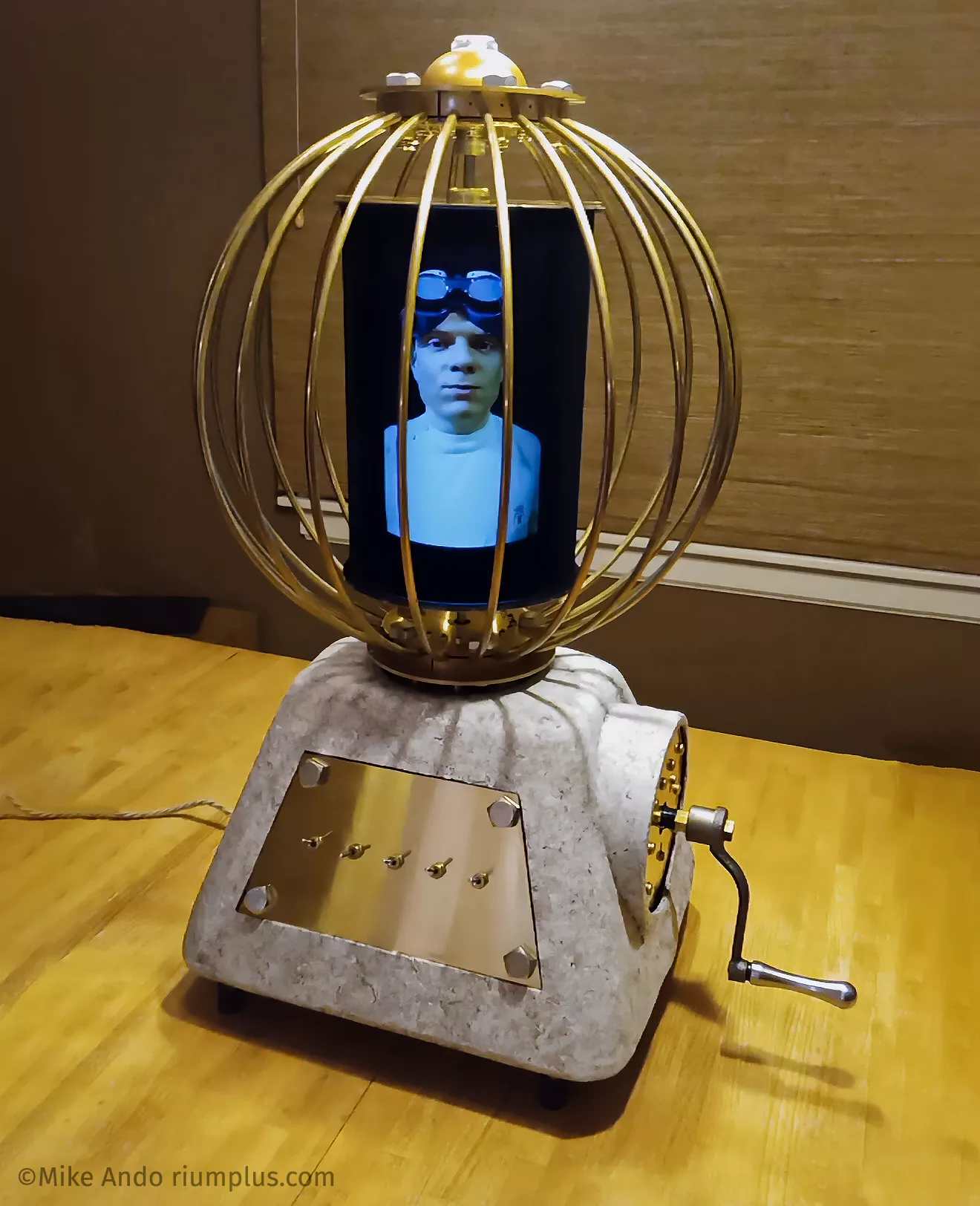
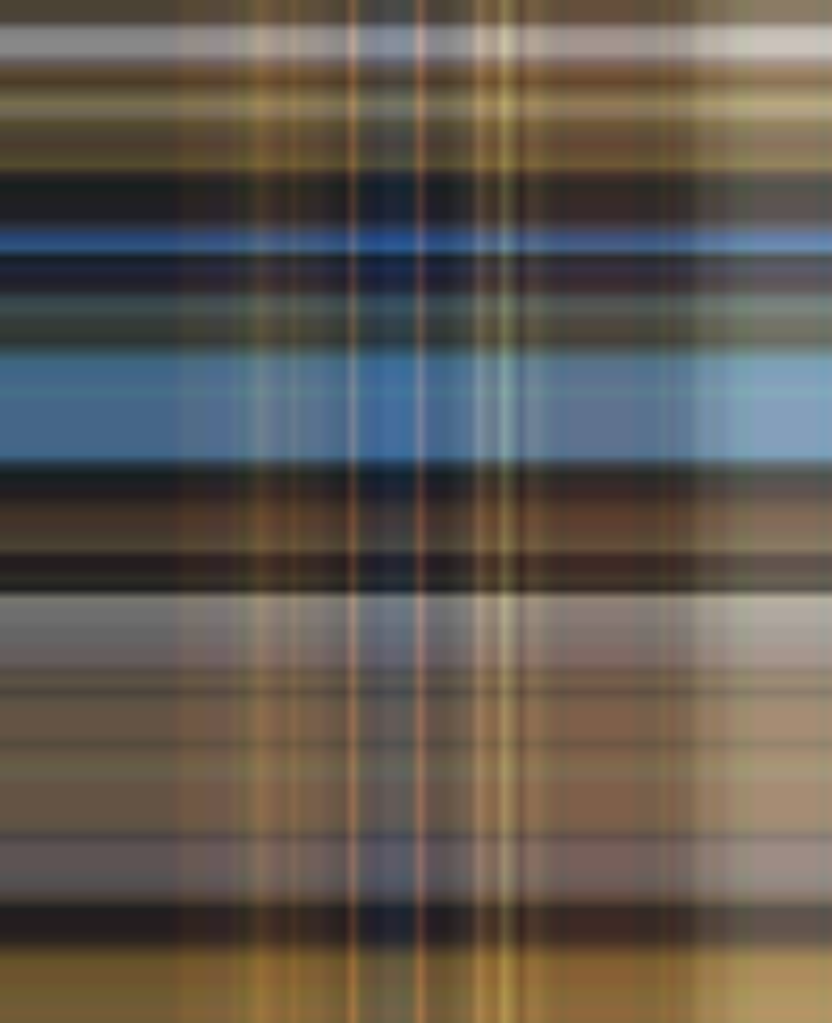
“Andotrope” – background:linear-gradient(
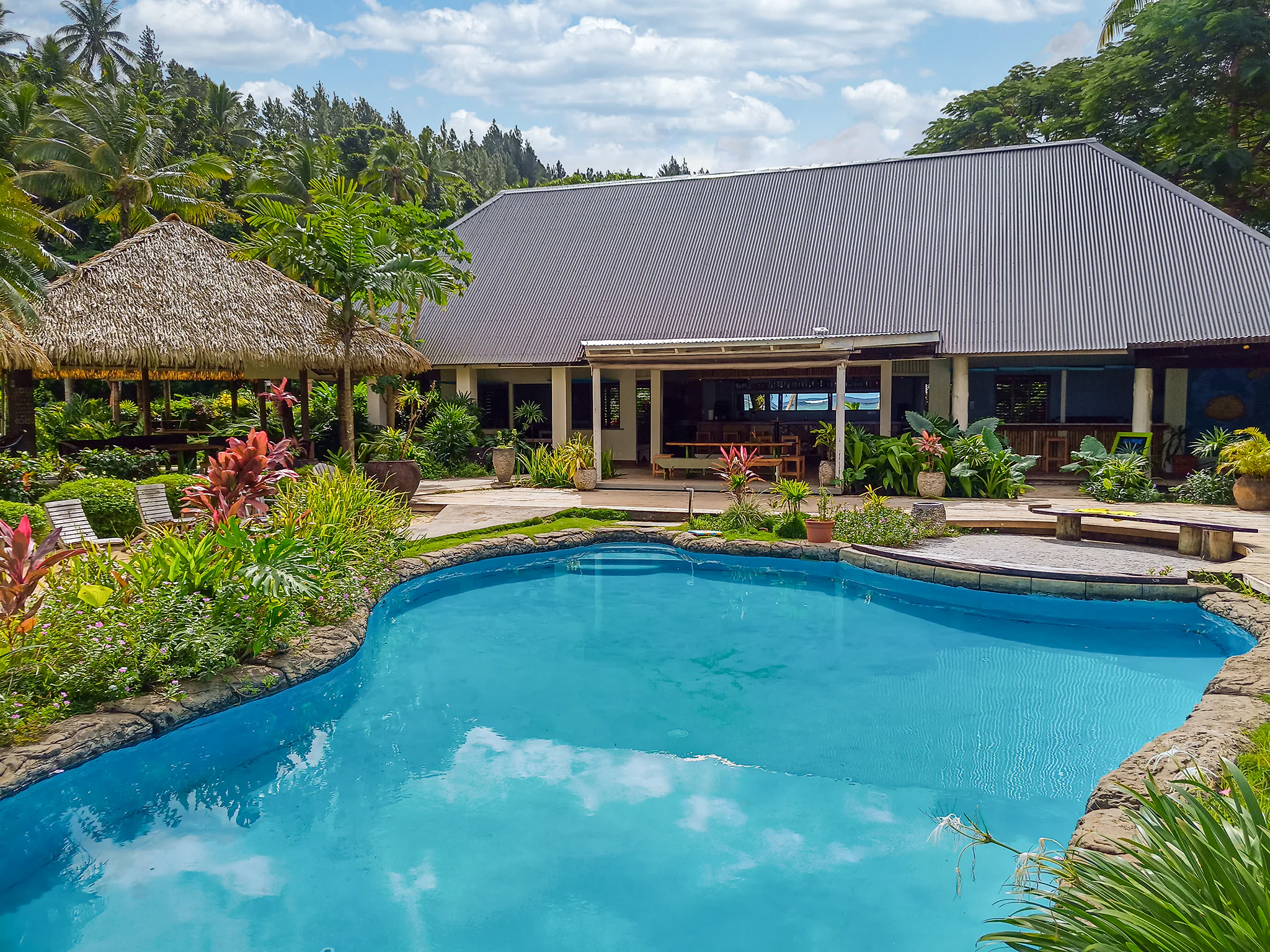
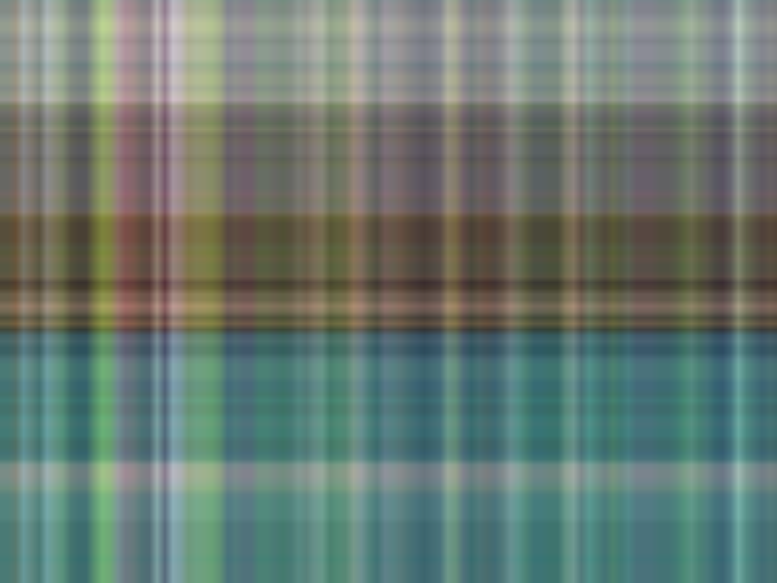
“Fiji Beachouse” – background:linear-gradient(
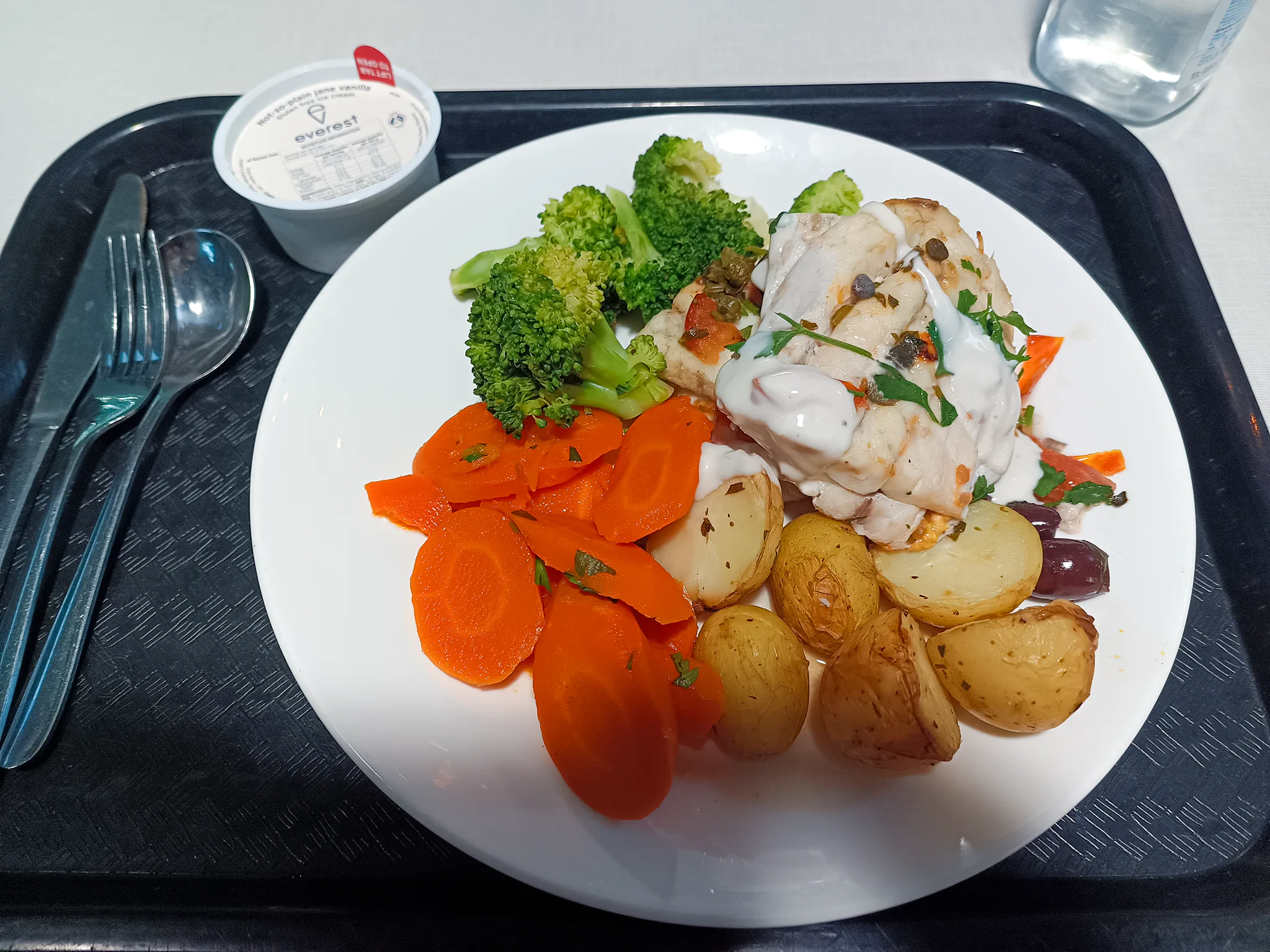
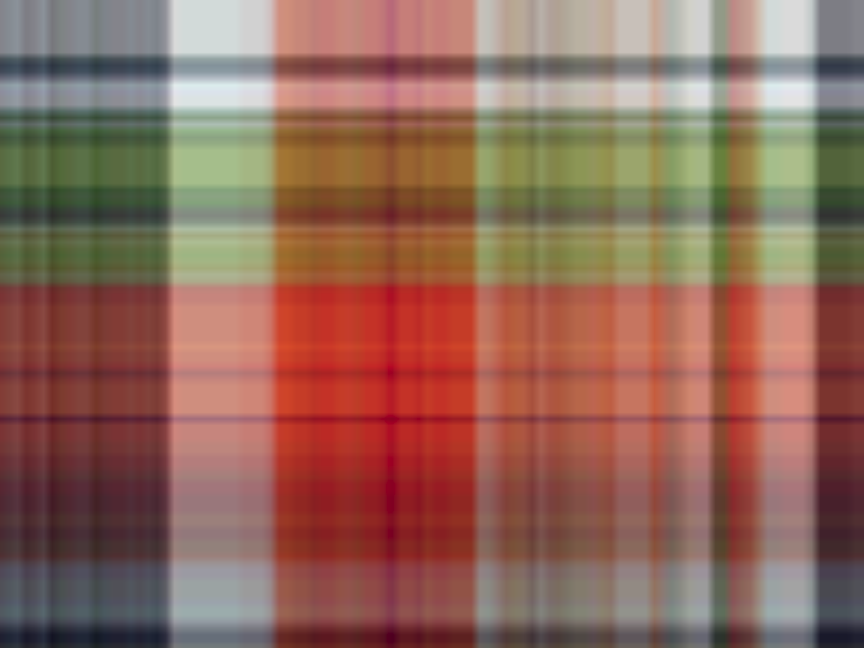
“Hospital Food” – background:linear-gradient(
Additionally, you can see the gradient maps in action in a real-world test scenario on a live website (along with some progressive-encoded AVIF images if your browser supports them) in the first section of the Riven Journals, in the main temple and the close-ups of any journal before you open the book. I’ve also added gradient maps to the first/hero images of every article on this riumplus.com website.
But why?
As of mid 2026, modern web image formats like WEBP and AVIF have lackluster progressive rendering in web browsers. For WEBP, its progressive rendering is a suboptimal top-to-bottom style and it takes a while to show anything, waiting until both chroma channels have been downloaded first (and Safari shows no progressive rendering at all). For AVIF, standard-encoded images have no progressive rendering and only pop into view when fully downloaded. The AVIF spec does support progressive rendering though (except progressive AVIF rendering is currently broken on Firefox), and it is possible to generate files that do it, but it’s not the easy default “save from Photoshop” option (there’s a good article here about the state of progressive images which also details how to create progressive AVIFs if you’re interested). In short, actually seeing a flash of a progressively-loaded image is not as common as it used to be with an old-fashioned progressively-encoded JPEG.
But even if you stick with progressively-encoded JPEGs, there can still be a delay in seeing something if there’s a delay between your HTML parsing and your image’s data packets arriving. Like if you have a slow or intermittent internet connection, a poor/flakey WiFi or cellular signal, you’re running a faraway VPN or TOR connection, or if you’re connected to a slow web server on shared hosting. With a gradient map, you see something vaguely resembling your image straight away before your image has started to display – no matter the format and no matter how long the image takes to load. It doesn’t decrease the actual loading speed of your website (in fact it very slightly increases it), but it does increase your website’s perceived loading speed a little, so it feels faster.
Tools like Blurhash are great, but they fill a different, more complex niche – they usually require server-side processing of some kind, the delay of a round-trip packet to the server, and downloading/running more JavaScript. This is a solution that runs with pure CSS (old CSS that’s been supported for years, too), that usually displays within tens of milliseconds.
Why not just embed a base64-encoded image?
A 3×3 well-compressed PNG base64-encoded amounts to 168 bytes, and that’s not much definition at all; larger images are even bigger. A 3×4 gradient map is 100 bytes with each additional colour sample adding only another 5-6 bytes, even less when the page gets gzipped. What would you do to save a few bytes? Or to put it another way… For 100 extra bytes to your first/hero image or two, why not use gradient maps to have better perceived loading?
Hey I never said turning a 2D image into two overlapping 1D gradients was a practical idea in all scenarios, but I couldn’t find any evidence of anyone trying this technique before (though it must’ve been attempted by someone out there). So I created this tool, Gradientment, to easily generate them.
Consider it an interesting art experiment to make plaid versions of your images that’s fun to play around with if you don’t want to seriously use it on a website.
What’s OKLCH mode?
This enables linear OKLCH processing on both the gradient generation step as well as appending the tag to use OKLCH blending in the final CSS. Combined with the way pixel averaging is already performed manually by a box filter instead of using your browser’s built-in rescaler to make sure it’s done right, this produces much more perceptually-accurate colours. This matters the most in highly-saturated images. However it’s off by default because it’s much slower to compute, produces much more muted results, & takes up another 18 bytes in the final CSS. If you want, you can check the box to use OKLCH processing and manually remove the extra CSS tags to get the processing accuracy without the CSS “bloat”. It’s interesting to see how much of difference this checkbox makes on the final gradient map, though – even when the colours are compressed down to 3-character #RGB codes.
npm/pip/Wordpress plugins?
Sorry, I am an artist & inventor, not a coder. This is all you’ll get from me. Feel free to implement this technique yourself in whatever framework/language/system you like; I’m not about to claim ownership of the basic CSS used in gradient maps or anything! I’d love to add a link to your repo here.
Any other usage tips?
Gradient maps work best when an image has large, low-frequency changes in brightness or colour in either straight horizontal or vertical directions. Otherwise they can look a bit muddied and might not be worth implementing.
Adding decoding=”async” to any images used with this technique helps make sure any progressive version of the actual image will display as soon as possible on all browsers. In my experience, that’s an extra 15-30ms. Go on, you can spare a few more bytes for a few more milliseconds; look at how much you just saved by using a gradient map that uses compressed 3-character #RGB colour codes instead of those hugely-wasteful 6-character #RRGGBB colour codes!
I also advise against doing this technique as a blanket optimisation to every image on your entire website due to the CPU overhead of generating a huge number of blended gradients. Doing it to just the hero images displayed above the fold should be good enough.
Speaking of tips
Like Gradientment? Donate to my Ko-fi, comment below or drop me a line to say thanks! The more donations/encouragement I receive, the more likely I am to release more guides & tools like this in the future.
Similar Posts
New Andotrope Website
This is just a quick update to say that I’ve launched a new website for my Andotrope omnidirectional displays! Having a dedicated space to promote them makes it easier to share them with others. Plus,...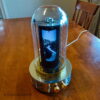
Andotrope v2 – Smaller, Faster, Quieter, Cheaper
Since completing the first Andotrope proof-of-concept, I’ve been refining & improving the technology. Here’s version 2 – a lot has changed! I built v1 as a work of art, but I designed v2 to sit...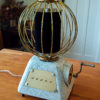
There are no comments yet, add one below.
Leave a Reply